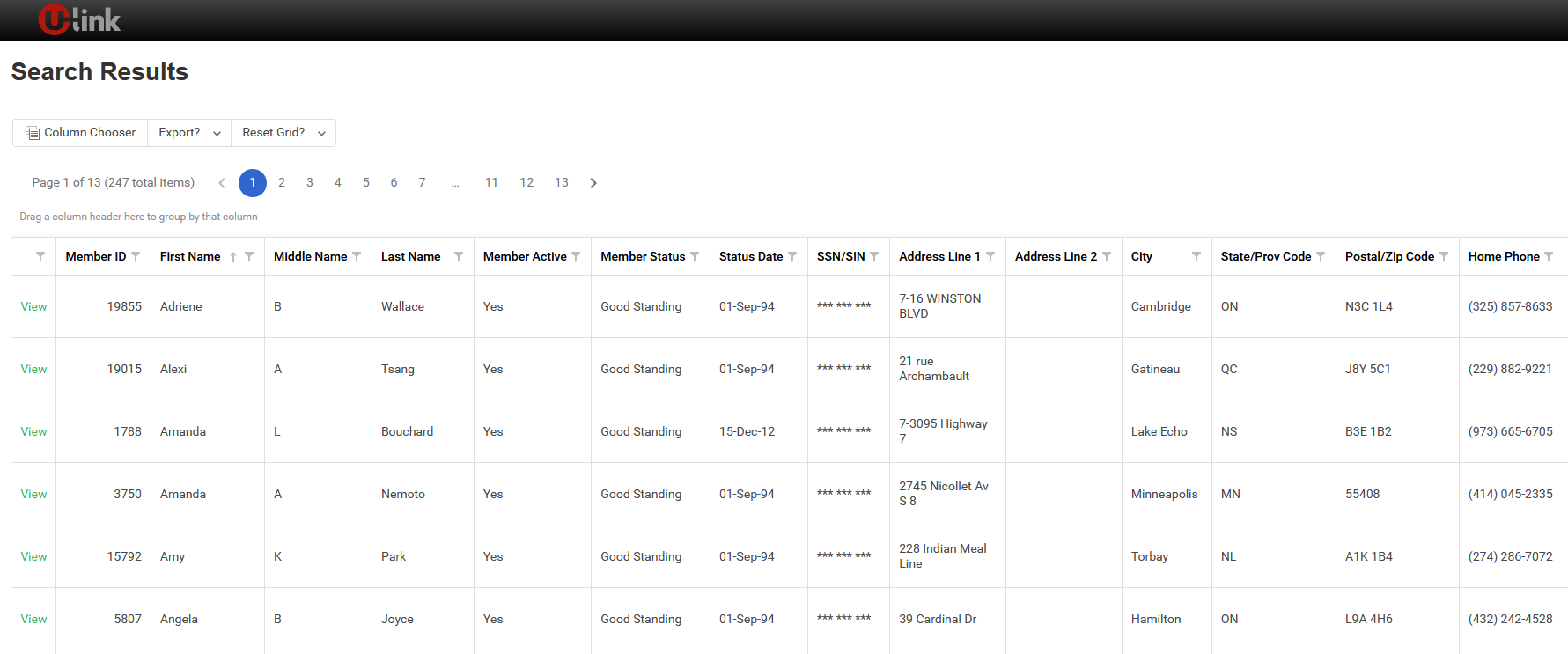
Today, ULink search behaves much like a “Google-style” search box—great for quick lookups, but limiting when you need to find specific sets of records.
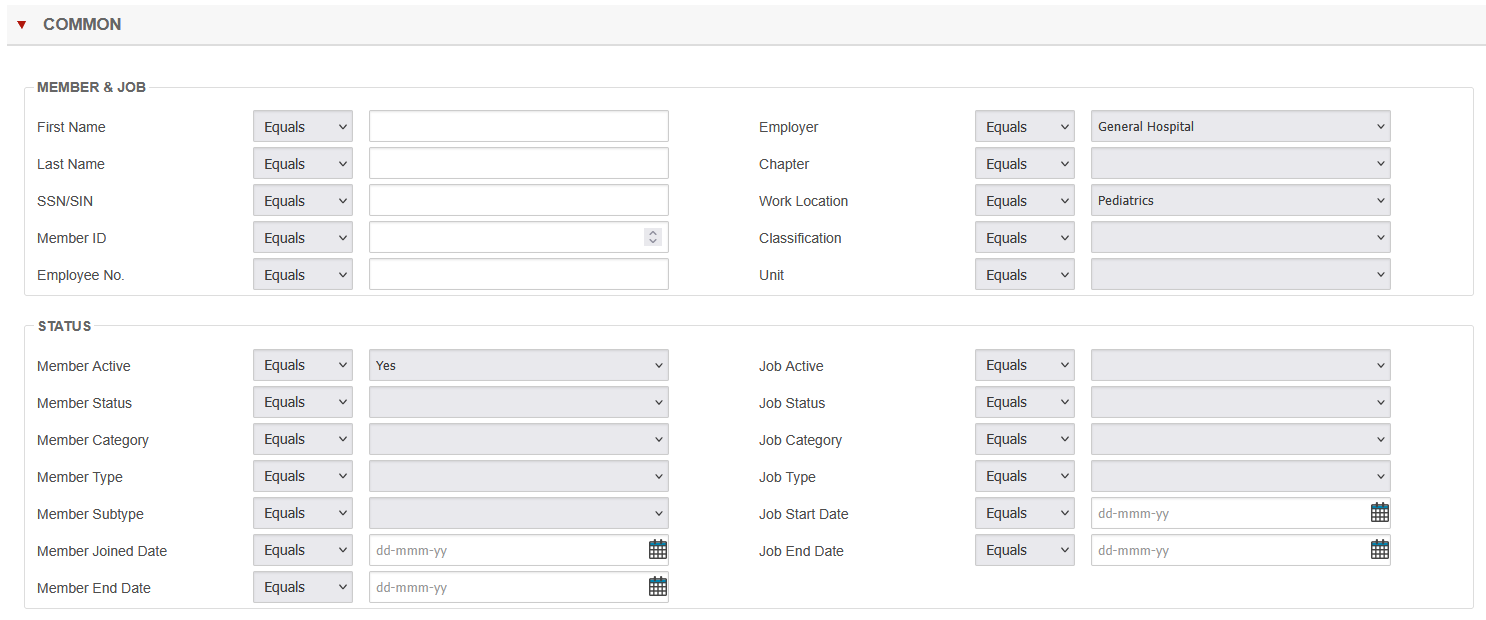
With Next-Level Search in ULink, we’re expanding search into multi-field search on every entity. That means staff can combine multiple criteria in a single screen to quickly find the exact records they need to work with.
What’s Changing
Instead of typing everything into one general search bar, you’ll be able to:
- Use multiple fields on each entity (e.g., member, employer, case, event, etc.)
- Combine criteria like status, dates, location, role, or custom attributes
- Build targeted sets of records for follow-up, reporting, exports, or bulk actions
In short: less guesswork, fewer workarounds, and much more control.
Why It Matters
For front-line staff:
- Faster access to the right records
- Fewer “I can’t find it” moments
- Less reliance on power users to run searches for them
For power users and admins:
- More flexibility when building complex queries
- Better repeatability for regular tasks (e.g., monthly outreach, renewals, cleanup)
- Cleaner, more consistent data because searches are less error-prone
Example Use Cases
With Next-Level Search, you can easily:
- Find all members in a specific region who joined in the last 6 months and belong to certain employers
- Pull target lists for campaigns or communications based on multiple conditions
- Identify cases or events that match specific dates, statuses, or categories
Managing a union is complex.
Your software shouldn't make it harder.
With over 30 years building software for unions — and a team that's been union since 1998 — we understand your world from the inside. Talk to us to see what that looks like for your local.
Speak With Our TeamTrusted by Over 4.5 Million Union Members for Powerful, User-Friendly Tools